
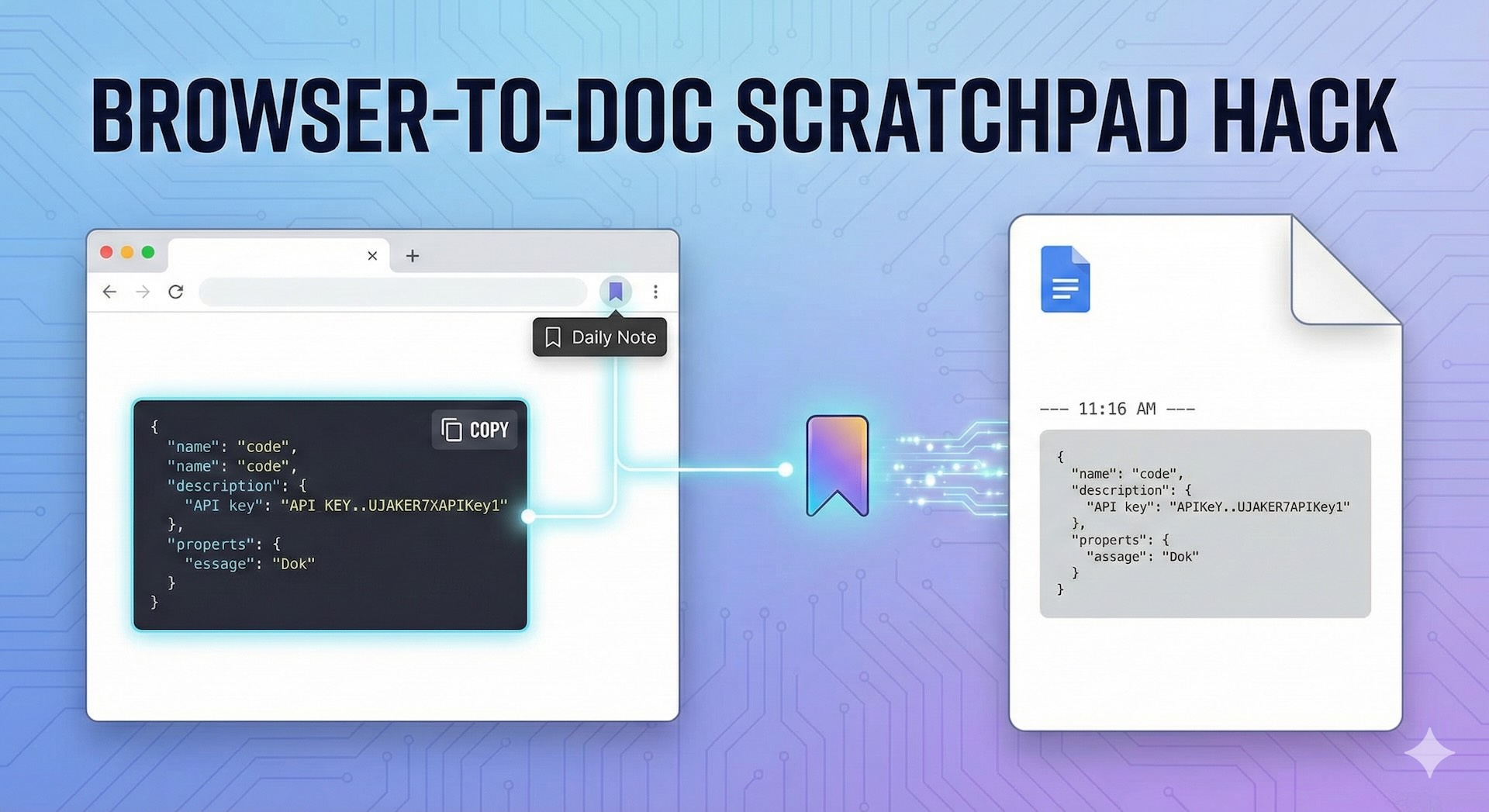
Cross-Browser Google Doc Scratchpad – Optimized for Chrome & Safari
1. The Universal Backend (Code.gs)
This code lives in your Google Apps Script project. It handles the logic of finding today’s note, appending the text in a monospaced code block, and redirecting you to the document.
JavaScript
function doGet(e) {
  var content = e.parameter.content || "";
  var folderId = "PASTE_YOUR_FOLDER_ID_HERE";
  var today = new Date().toLocaleDateString();
  var fileName = "Notes - " + today;

  var folder = DriveApp.getFolderById(folderId);
  var files = folder.getFilesByName(fileName);
  var doc;

  if (files.hasNext()) {
    var file = files.next();
    doc = DocumentApp.openById(file.getId());
  } else {
    doc = DocumentApp.create(fileName);
    var file = DriveApp.getFileById(doc.getId());
    file.moveTo(folder);
  }

  var body = doc.getBody();

  // Header with Timestamp
  var timestamp = body.appendParagraph("--- " + new Date().toLocaleTimeString() + " ---");
  timestamp.setAttributes({
    [DocumentApp.Attribute.FONT_FAMILY]: "Arial",
    [DocumentApp.Attribute.FONT_SIZE]: 9,
    [DocumentApp.Attribute.ITALIC]: true,
    [DocumentApp.Attribute.FOREGROUND_COLOR]: "#666666"
  });

  // Monospaced Code Block
  var codeBlock = body.appendParagraph(content);
  codeBlock.setAttributes({
    [DocumentApp.Attribute.FONT_FAMILY]: "Courier New",
    [DocumentApp.Attribute.FONT_SIZE]: 10,
    [DocumentApp.Attribute.BACKGROUND_COLOR]: "#F3F3F3"
  });
  codeBlock.setIndentFirstLine(10).setIndentStart(10);

  body.appendParagraph("").setBackgroundColor(null);
  doc.saveAndClose();

  var html = "<script>window.location.href='" + doc.getUrl() + "';</script>";
  return HtmlService.createHtmlOutput(html);
}
2. Browser Bookmarklets
Replace YOUR_WEB_APP_URL in the snippets below with your deployed Google Script URL.
For Safari Users
Safari requires a robust error-handling block because it often prompts for “Paste” permission.
JavaScript
javascript:(function(){navigator.clipboard.readText().then(text=>{window.open("YOUR_WEB_APP_URL?content="+encodeURIComponent(text),"_blank");}).catch(err=>{alert("Ensure you have copied text and allowed clipboard access in Safari.");});})();
For Chrome Users
Chrome allows for a slightly more streamlined execution, though it will still ask for clipboard permission the first time you run it on a new domain.
JavaScript
javascript:navigator.clipboard.readText().then(t=>{window.open(`YOUR_WEB_APP_URL?content=${encodeURIComponent(t)}`)});
Critical Final Step: Disable Smart Quotes
In Google Docs, go to Tools > Preferences and uncheck “Use smart quotes.” This is vital for code snippets and API keys to ensure they don’t get corrupted by “curly” quotes.